user1@localhost:~$ podman inspect registry.redhat.io/rhel9/mariadb-105:9.8-1786021456 | less
是看这些东西

还要看这个cmd:工作目录

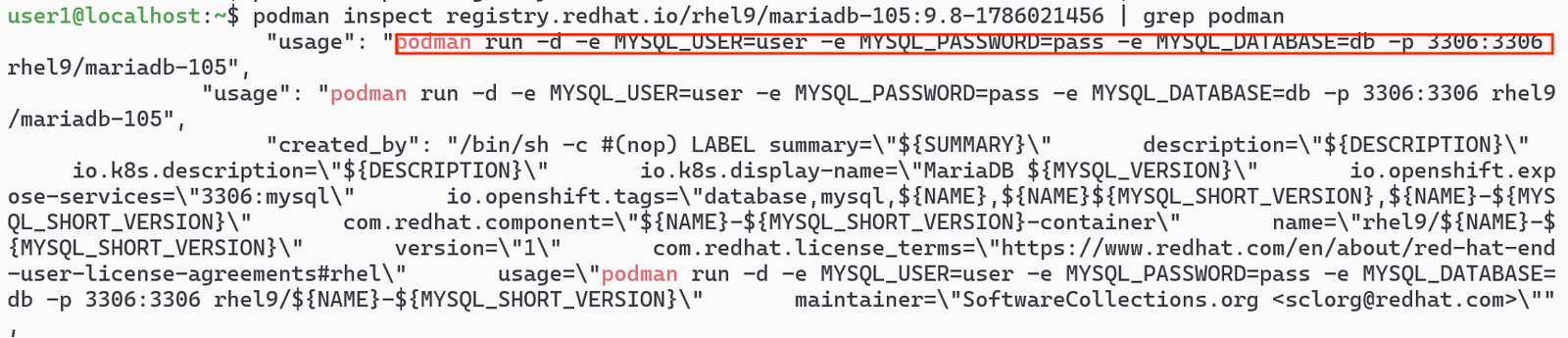
user1@localhost:~$ podman inspect registry.redhat.io/rhel9/mariadb-105:9.8-1786021456 | grep podman

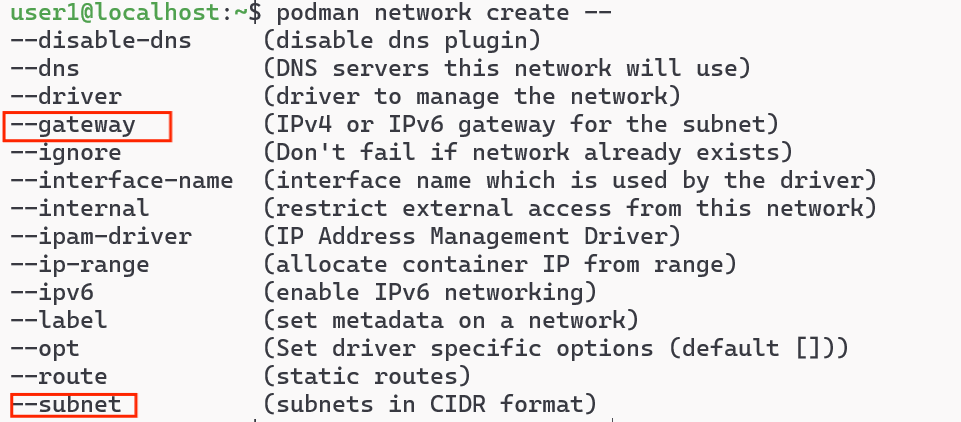
podman network create --gateway 10.87.0.1 --subnet 10.87.0.0/16 db_net
db_net
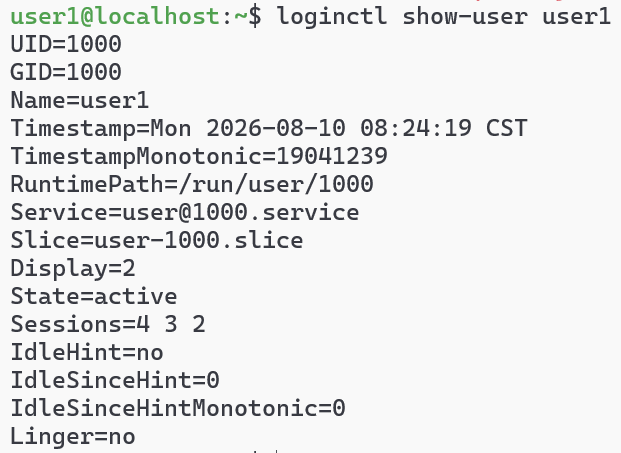
user1@localhost:~$ loginctl show-user user1
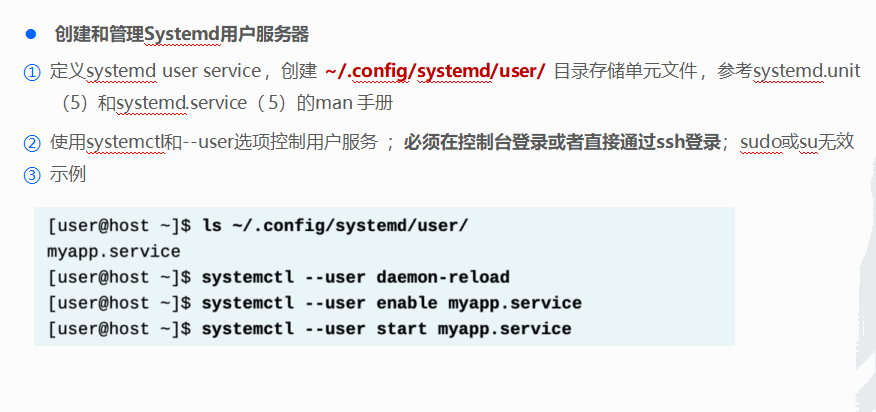
红色的字一个字母都不能写错。

–name必须是我正在运行的容器名字。不加–name直接加容器名字不一样的(自己试一下) Flatpak(需要在线安装) 安远程仓库:用户类(谁安谁能看见),系统类(大家都能看到) 要会看安装的仓库里的应用(app) 宝 2026年08月10日 11:40 registry.redhat.io/rhel9/mariadb-105 宝 2026年08月10日 11:41
podman login registry.redhat.io
宝 2026年08月10日 11:41
podman pull registry.redhat.io/rhel9/mariadb-105:9.8-1786021456
宝 2026年08月10日 13:46
podman run -d -e MYSQL_USER=user -e MYSQL_PASSWORD=pass -e MYSQL_DATABASE=db --name db01 registry.redhat.io/rhel9/mariadb-105:9.8-1786021456
宝 2026年08月10日 14:21
podman run -d -e MYSQL_USER=user -e MYSQL_PASSWORD=pass -e MYSQL_DATABASE=db --name db01 -v /home/user1/db_data:/var/lib/mysql:Z -p 13306:3306 --network db_net registry.redhat.io/rhel9/mariadb-105:9.8-1786021456
宝 2026年08月10日 14:22
podman run -d --name client01 --network db_net registry.access.redhat.com/ubi9:9.8-1785906690 sleep infinity
宝 2026年08月10日 14:23
user1@localhost:~$ podman exec -it client01 /bin/bash
宝 2026年08月10日 14:50
podman run -d --name c1 registry.access.redhat.com/ubi9:9.8-1785906690 sleep infinity
宝 2026年08月10日 15:35
宝 2026年08月10日 15:36
[root@clean ~]# nmcli connection modify Wired\ connection\ 1 ifname eth0 ipv4.method manual ipv4.addresses 172.24.1.10/24 ipv4.gateway 172.24.1.254 ipv4.dns 172.24.1.254 ipv4.ignore-auto-dns yes